Tree View
Navigate complex JSON structures with an intuitive collapsible tree interface.
Transform raw JSON into beautiful, readable views with dark theme, tree navigation, and table visualization
Privacy Protected
View Modes
Data Collection
JSON Files Supported
Navigate complex JSON structures with an intuitive collapsible tree interface.
View JSON arrays in a spreadsheet-like format for easy data analysis.
Professionally designed dark theme reduces eye strain during long coding sessions.
Automatically detects and formats JSON content on any webpage.
Color-coded keys and values make it easy to distinguish data types.
Copy formatted JSON to clipboard instantly.
All processing happens locally in your browser. Zero data collection.
Optimized performance handles large JSON files efficiently.
Intelligently handles nested objects and arrays with proper indentation.
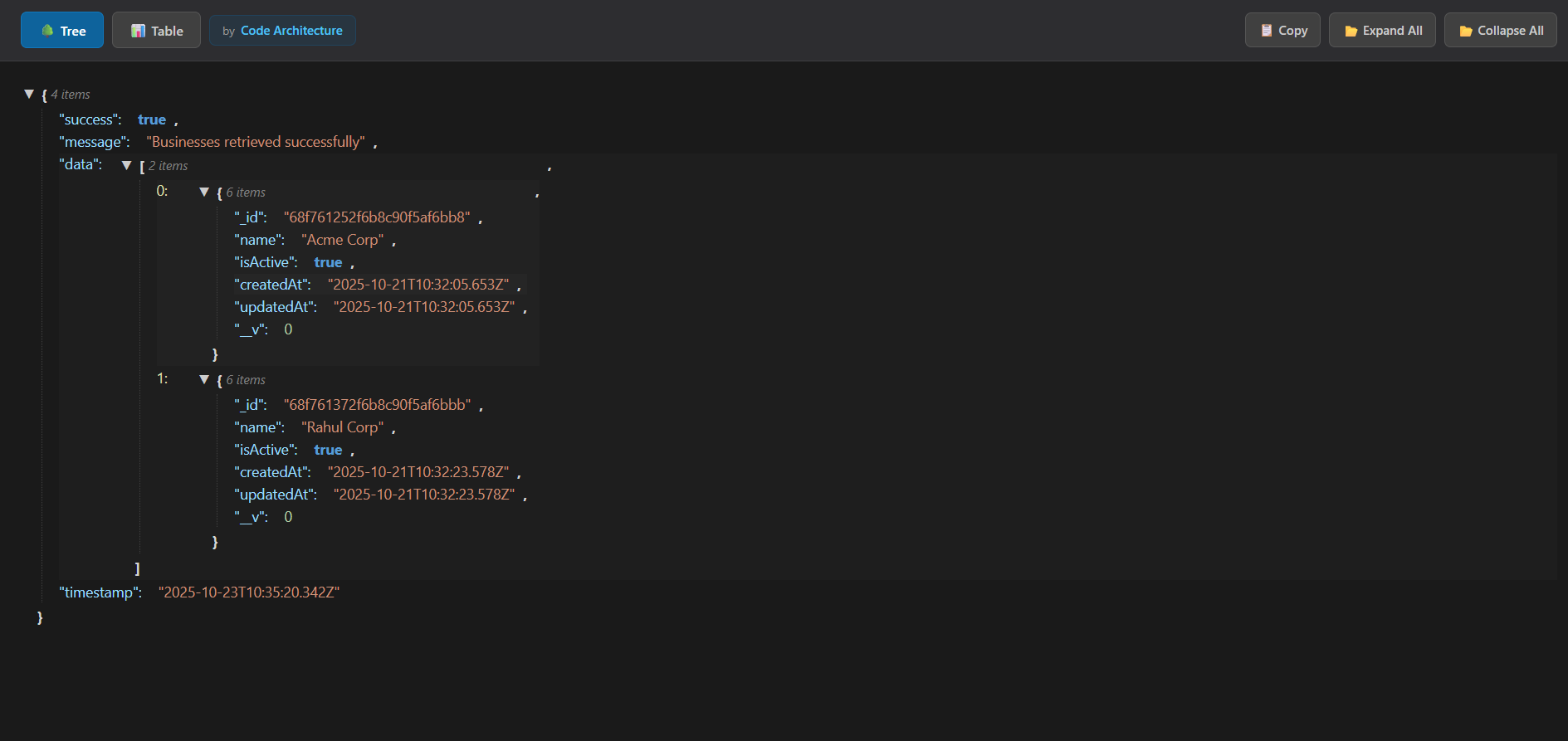
Navigate hierarchical JSON data with expandable/collapsible nodes
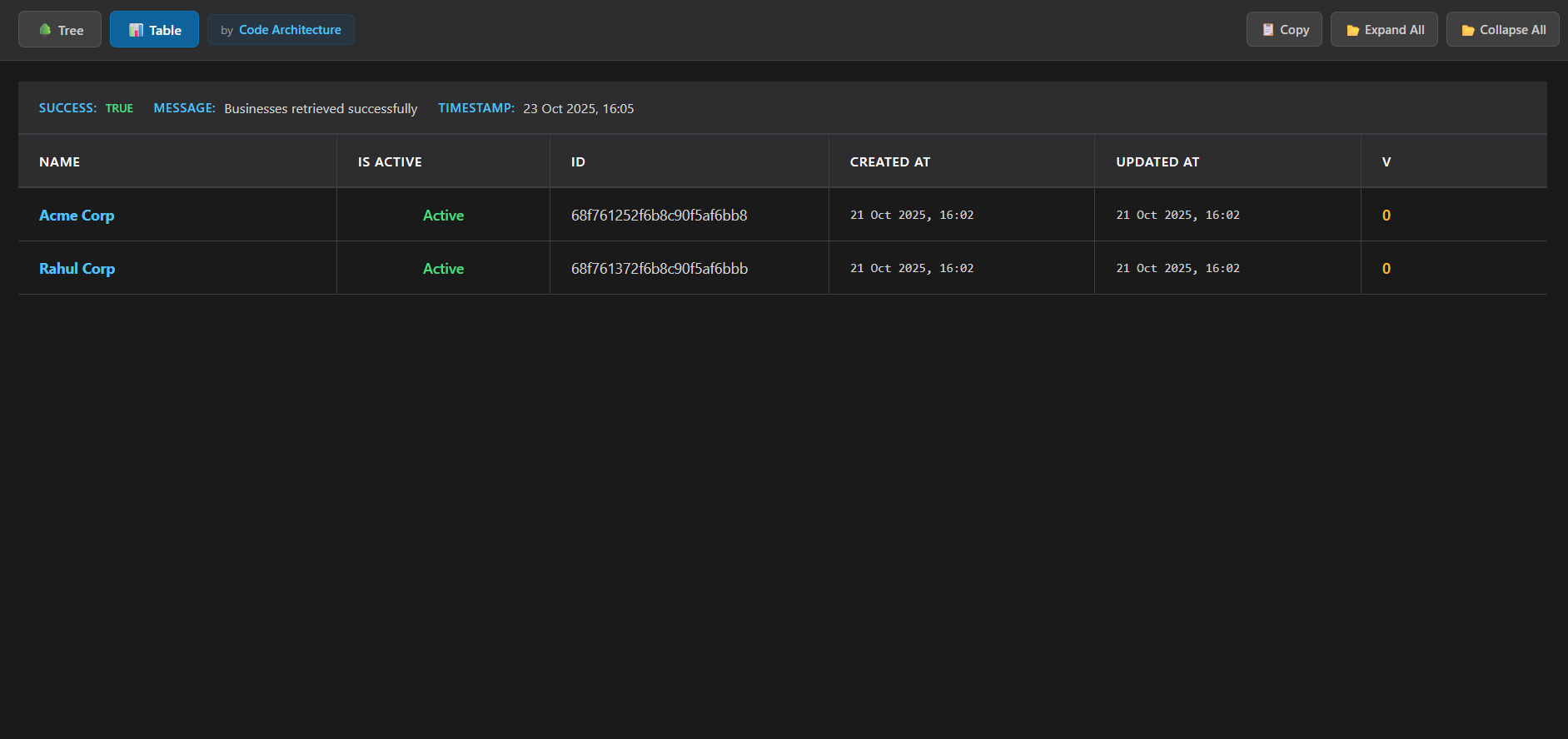
Analyze array data in an organized, spreadsheet-like format
Debug and test REST API responses with ease
Analyze JSON datasets in table format
Quickly inspect and understand JSON structures
Read and edit JSON config files easily
Verify API responses and data structures
Understand JSON structure for educational purposes